Veracity for Class Maritime Portal
View and edit audit request
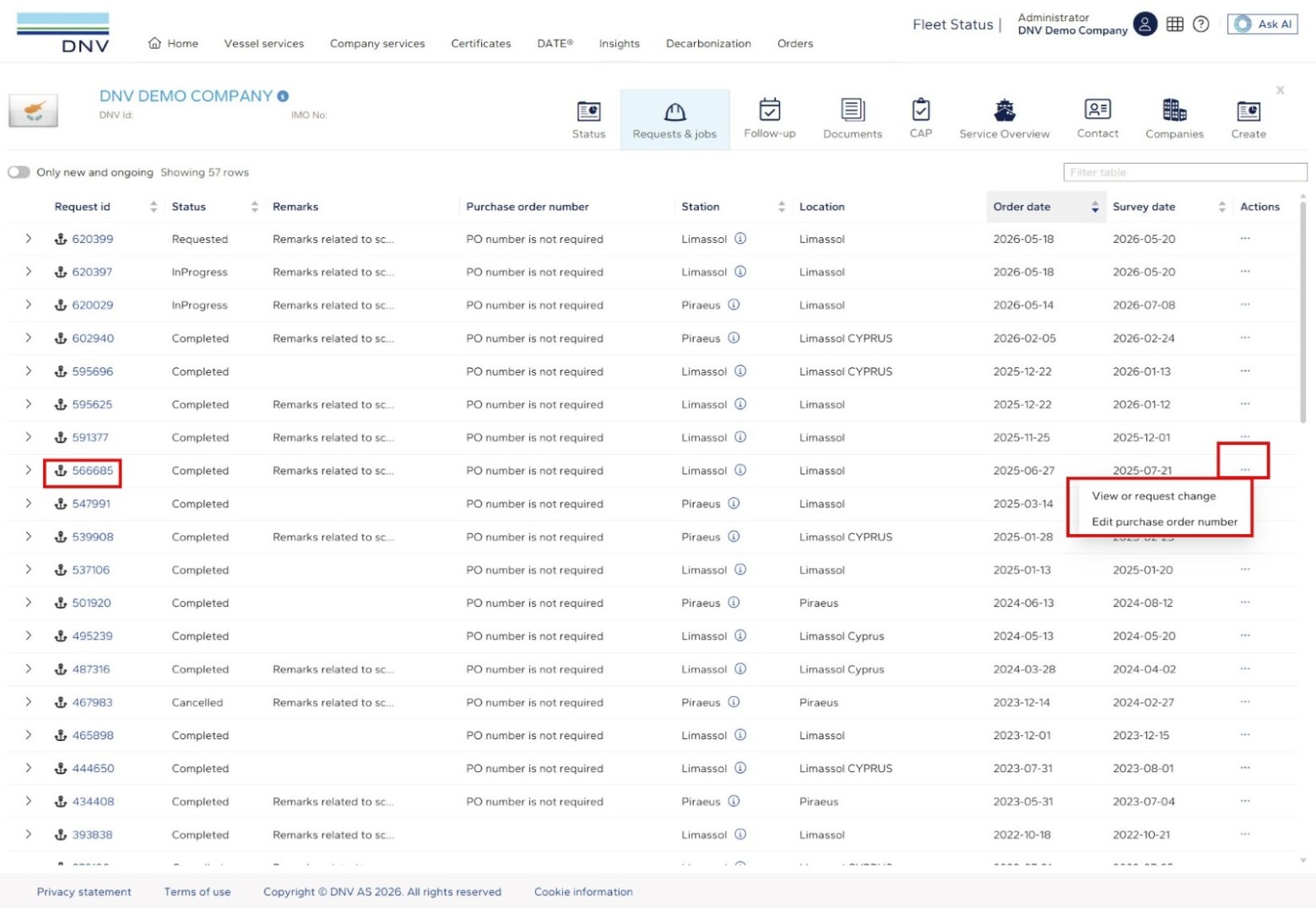
There are 2 ways to open an audit request for viewing or for editing:
Clicking on the audit request id in the Request id column
Clicking the three lines on the right hand side, then ‘View or request change’
The information regarding the audit request is organised in 5 different tabs to simplify navigation.
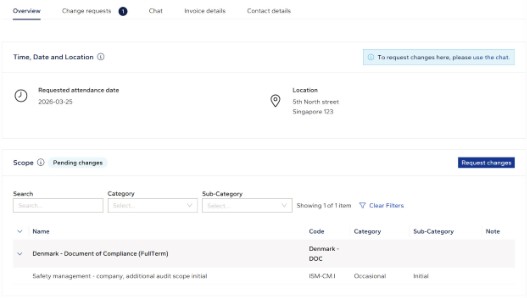
The Overview tab provides an overview of the submitted audit request.
It contains a button to be used to request changes in time, date and location assisted by the chat functionality.
It also contains a button to be used to request changes in scope.
The requested changes will not be reflected until they have been approved, and the change request has been resolved by DNV:
On the Change Request tab, you can view your change requests regarding the scope, track their status, review any comments from DNV, and check the details of each change request:
On the Invoice details tab, you can view and edit the invoice details, including the PO number. The PO number can be edited up until the audit is completed.
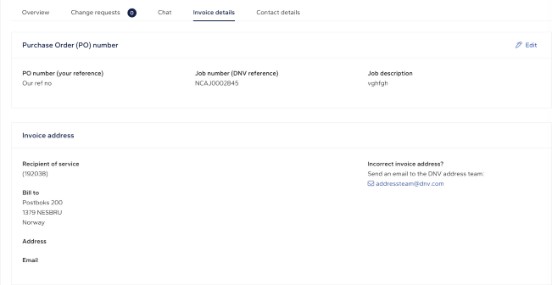
On the Contact details tab, you can view, change and add contact details for yourself, the vessel or other relevant personnel.
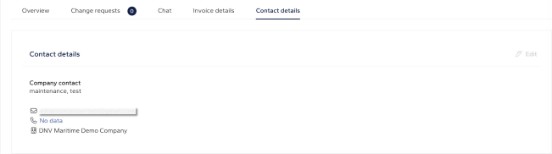
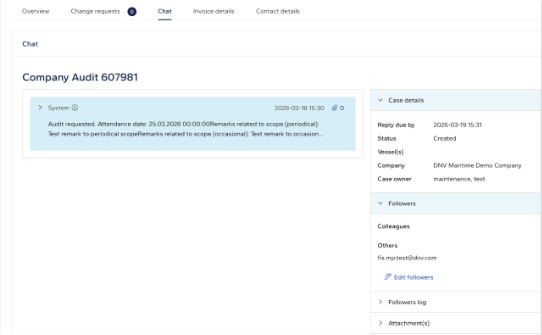
To request a change of time, date or the location of an audit, use the chat functionality found on the Chat tab. There is also a button on the overview tab:

To request a change in scope, click the ‘Request changes’ button on the overview tab:
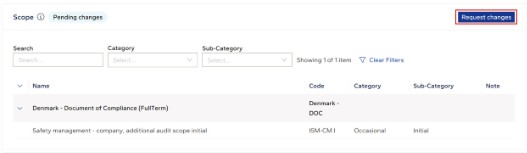
Select or deselect any surveys from scope and click ‘Next’ when ready.
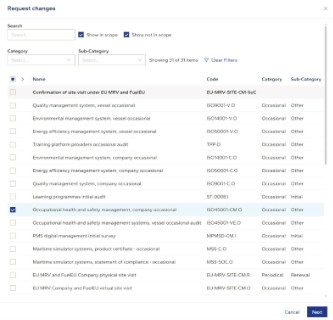
Add a brief remark and click ‘Submit’.
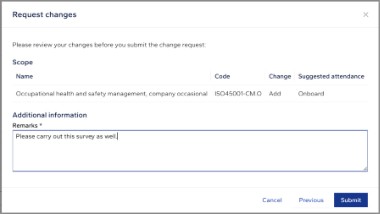
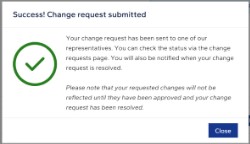
You will receive a confirmation that your change request has been submitted.
You will also receive an email confirming your submitted change request. You can also view and monitor your submitted change request under the Change requests tab. Click on the + to view the details of your change request:
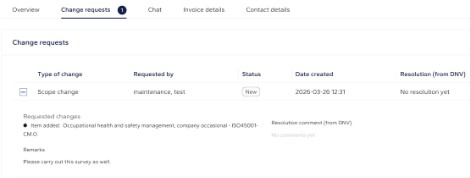
Please note that your requested changes will not be reflected until they have been approved by DNV, and your change request has been resolved.