Veracity for Class Maritime Portal
Register defect
Use Register Defect in Fleet status to report a vessel defect through a guided process and send the required information to DNV for fast-track handling.
This feature is designed for customers who prefer a simpler way to report defects while keeping the case linked to the vessel and class follow-up.
By using Register Defect, no DNV fee will be charged.
Here is a step-by-step guide to register a defect on Fleet Status
If the defect your vessel is experiencing is not listed as a fast-track option, you may request an equipment, hull or machinery damage survey, see [insert link to request survey].
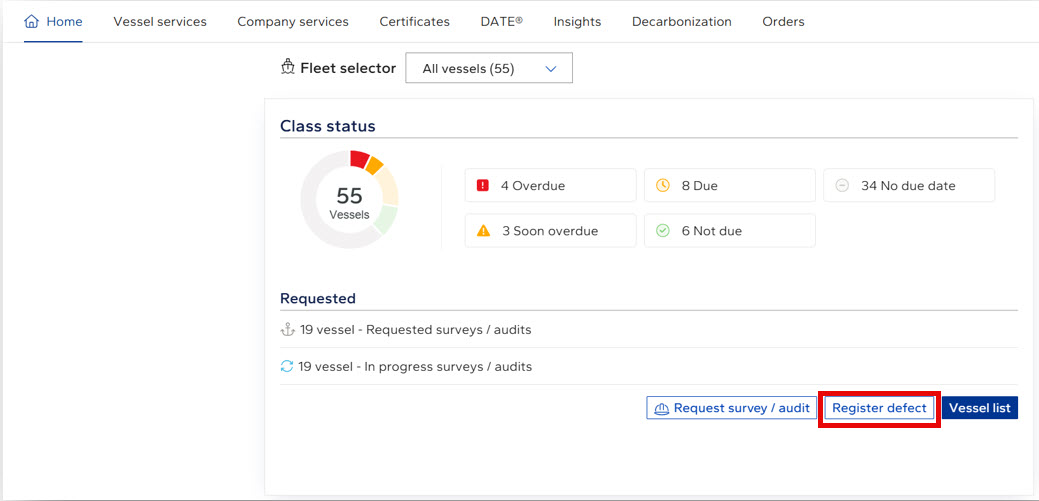
Figure 1: 'Register defect' button on Fleet - home.
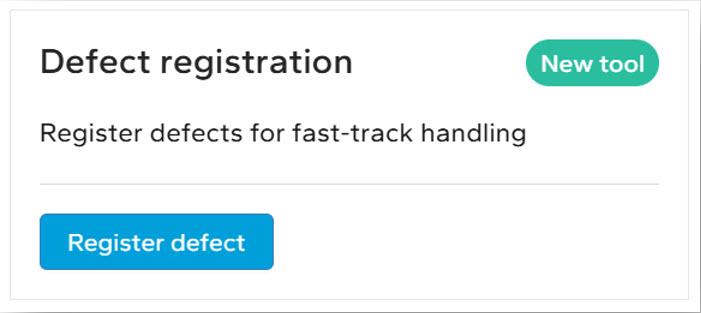
Figure 2: 'Defect registration' widget in 'Vessel status'